

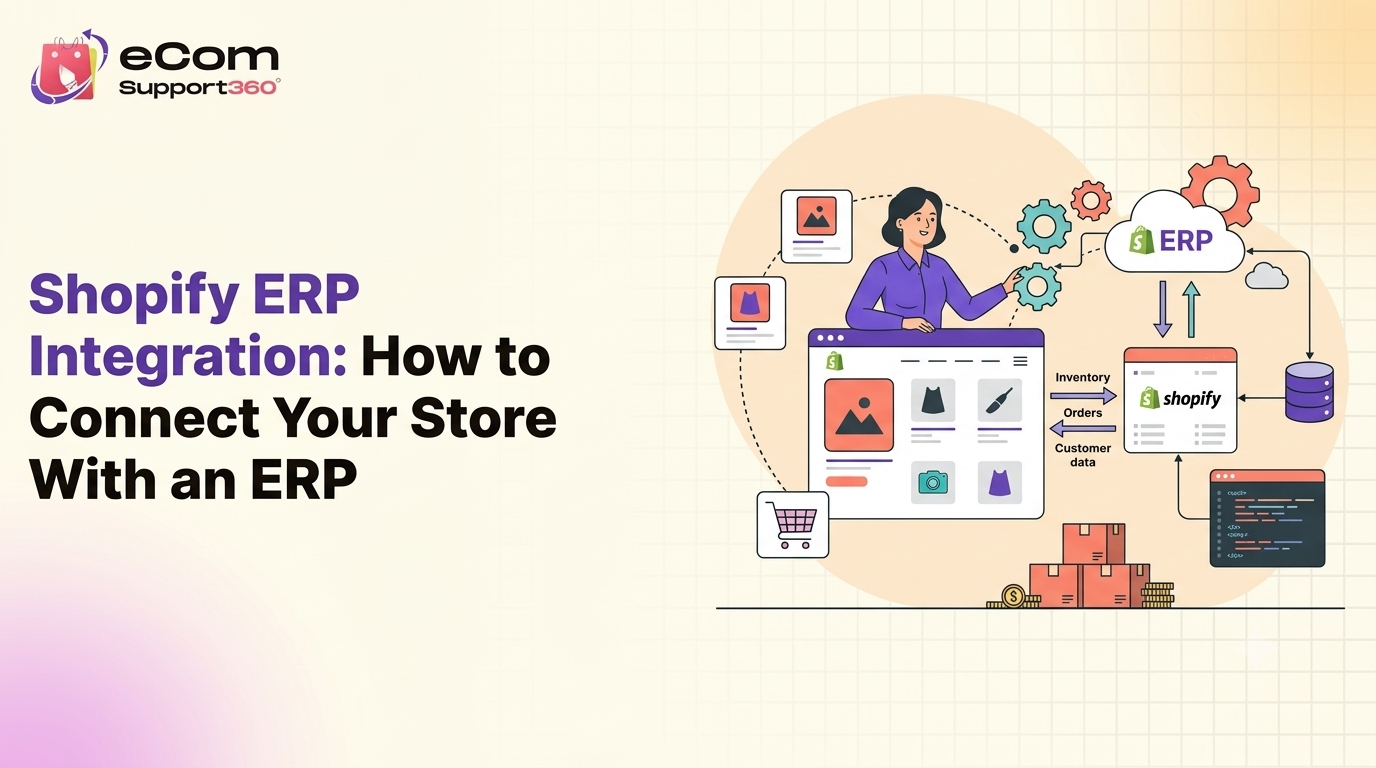


Connecting Shopify to an ERP means syncing inventory, orders, customers, and pricing data between the two systems automatically, using either a native app, middleware, or a custom API build.
The right method depends mostly on your order volume and how customized your ERP workflows already are.
Most stores start manual, exporting CSVs or re-typing order data into their ERP. That works at low volume. Past a certain point, it becomes the biggest source of errors in the business.
What Is Shopify ERP Integration?
Shopify ERP integration is the automated connection between your Shopify store and an ERP system like NetSuite, SAP, or Microsoft Dynamics, so data flows both ways without manual entry.
It differs from a basic app connector because ERP integration usually maps multiple data objects at once, including inventory levels, order status, customer records, and pricing tiers, keeping them in sync in near real time.

1. Native Integration Apps
What it is: Pre-built apps from the Shopify App Store designed to connect to a specific ERP, such as Celigo for NetSuite.
Best for: Stores with fairly standard workflows and moderate order volume.
Limitation: Customization is limited to what the app’s settings expose.
2. Middleware or iPaaS Platforms
What it is: A connector layer like Celigo, Zapier, or Workato that sits between Shopify and your ERP, mapping data with more flexibility than a native app.
Best for: Businesses with multiple systems (ERP, CRM, warehouse) needing coordinated sync.
Rule of thumb: Once you’re syncing three or more systems, middleware usually costs less over time than stitching apps together.
3. Custom API Integration
What it is: A direct build using Shopify’s Admin API, GraphQL API, and webhooks, tailored exactly to your ERP’s data structure.
Best for: High volume stores or complex, non-standard ERP workflows that off the shelf tools can’t map cleanly.
Rule of thumb: Past roughly 500 orders a day, native apps often start lagging or hitting rate limits, making custom integration worth the investment.
What Data Actually Syncs
Inventory Levels
Stock counts update in both directions, so a sale on Shopify reduces ERP inventory and vice versa.
Orders and Fulfillment
New Shopify orders push into the ERP for fulfillment, and shipping updates push back to Shopify automatically.
Customer and Pricing Data
Customer records and tiered or wholesale pricing stay consistent across both systems, avoiding mismatched quotes.
Additional Reads:
 Has Your Shopify Store Outgrown Its Theme? 10 Signs You Need Custom Development
How to Connect Shopify to an ERP: Step by Step
1. Audit your data flows. Map exactly which fields need to sync and how often, before choosing a tool.
2. Choose your integration method. Pick native app, middleware, or custom build based on volume and complexity from above.
3. Set up authentication. Connect via Shopify’s Admin API using an access token, scoped to only the data you need.
4. Map your fields. Match Shopify fields (SKU, price, inventory) to their ERP equivalents, watching for naming mismatches.
5. Configure webhooks. Set up real time triggers for orders, inventory changes, and fulfillment updates instead of relying on scheduled syncs.
6. Test with real orders. Run a small batch of live orders through the full flow before scaling up.
7. Monitor and maintain. Set alerts for failed syncs, since ERP integrations break quietly if a field changes on either end.
Worth noting: Custom integration costs more upfront than a native app. But manual order entry errors, delayed fulfillment, and inventory mismatches usually cost more over a year than the build itself.

Native App vs Middleware vs Custom Integration
| Native App | Middleware/iPaaS | Custom API Integration | |
| Cost | Low ($50 to $500/mo) | Moderate ($500 to $3,000/mo) | High ($10,000 to $50,000+ upfront) |
| Timeline | Days | 2 to 6 weeks | 6 to 16+ weeks |
| Flexibility | Limited to app settings | Moderate, configurable mapping | Fully custom |
| Maintenance | Low | Moderate | Higher, needs dev support |
| Best for | Standard workflows | Multiple connected systems | High volume, complex workflows |
Frequently Asked Questions
What is Shopify ERP integration?
Shopify ERP integration is an automated connection between your Shopify store and an ERP system that syncs inventory, orders, customers, and pricing data without manual entry, keeping both systems accurate in near real time.
How much does Shopify ERP integration cost?
Costs range from $50 a month for a basic native app to $10,000 to $50,000+ for a custom build, depending on complexity, order volume, and how many systems need to stay in sync.
Which ERP works best with Shopify?
NetSuite, Microsoft Dynamics, and SAP all have established Shopify integration paths. The best fit depends on your existing systems, industry, and whether you need deep customization or a simpler out of the box connection.
Can I integrate Shopify with an ERP without custom code?
Yes, native apps and middleware platforms like Celigo or Zapier can connect Shopify to most major ERPs without writing code, though they offer less flexibility than a custom API build.
How long does ERP integration take?
- Native app setup: A few days
- Middleware configuration: 2 to 6 weeks
- Custom API integration: 6 to 16+ weeks
How do I know which integration method I need?
Check your daily order volume, count how many systems need to stay in sync, and note any ERP workflows that are highly customized. Higher volume and more complexity point toward middleware or custom integration.
Developer note: Structure the FAQ block with FAQPage schema for rich result and AI Overview eligibility.
Is It Time to Connect Shopify to Your ERP?
If you’re still exporting CSVs or manually re-entering orders, the cost is already showing up somewhere, in errors, delays, or hours your team could spend elsewhere.
The right integration method depends on your volume and complexity, not just what’s cheapest to set up.
A short systems audit can map your data flows and tell you exactly which integration path fits, before you commit to a build.


 What’s the Biggest Mistake New WooCommerce Store Owners Make?
 Best WooCommerce Setup for Fashion & Apparel Stores in 2026